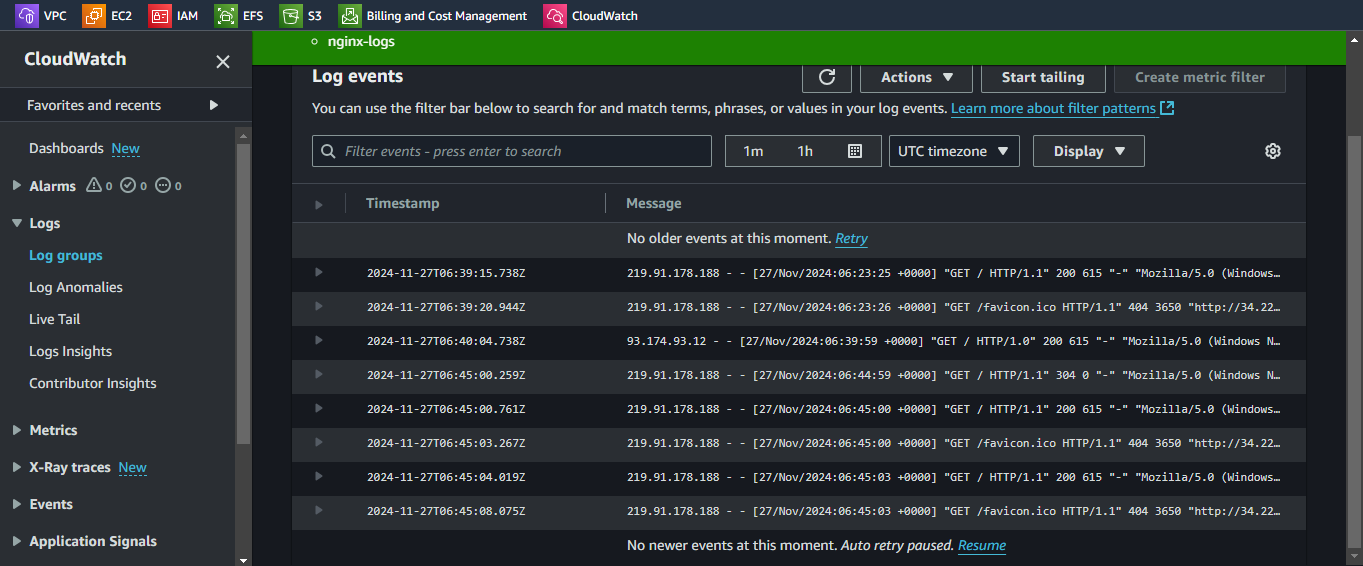
cloudwatch
after installing nginx logs must be present
sudo ls /var/log/nginx/
access.log  error.log
to send these logs to cloudwatch
create role
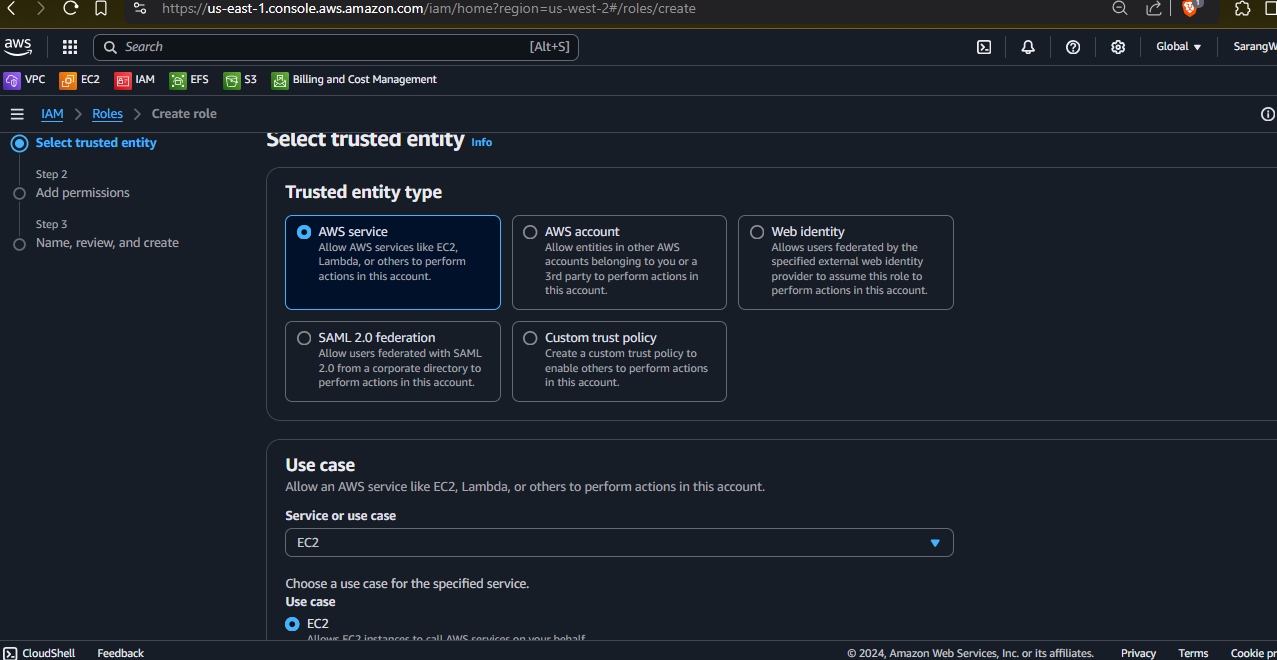
attach role to instance
install agent https://docs.aws.amazon.com/AmazonCloudWatch/latest/monitoring/install-CloudWatch-Agent-on-EC2-Instance.html
enable agent service systemctl
cd /opt/aws
create configuration file sudo /opt/aws/amazon-cloudwatch-agent/b in/amazon-cloudwatch-agent-config-wizard
Log file path: /var/log/nginx/access.log
config.json generated in bin folder
autorized vs authenticated read
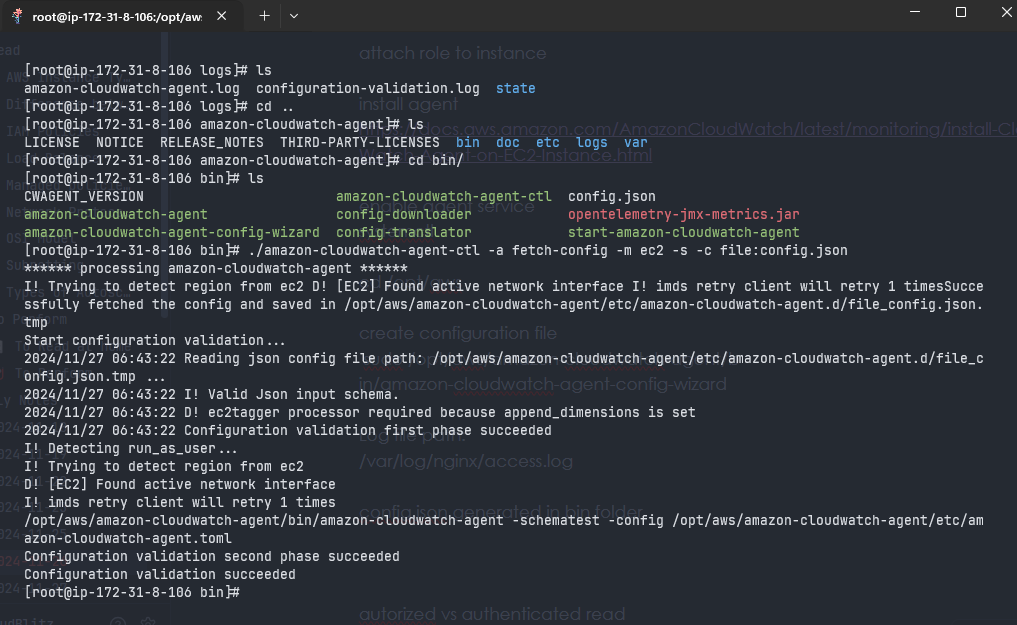
./amazon-cloudwatch-agent-ctl -a fetch-config -m ec2 -s -c file:config.jsonrecap
- Created ec2-instance
- install nginx
ec2-describe permission
collectd file create